Explore the app ↓

3D design tool / local rendering

Make it
3D.
Make it yours.

Create polished 3D icons, custom shapes and dimensional typography in seconds. No Blender. No render farm. No generic AI look.

Explore Shape Forge ↓ Built for Canva
no account required
528+ shapes3D text20 materials2K PNG
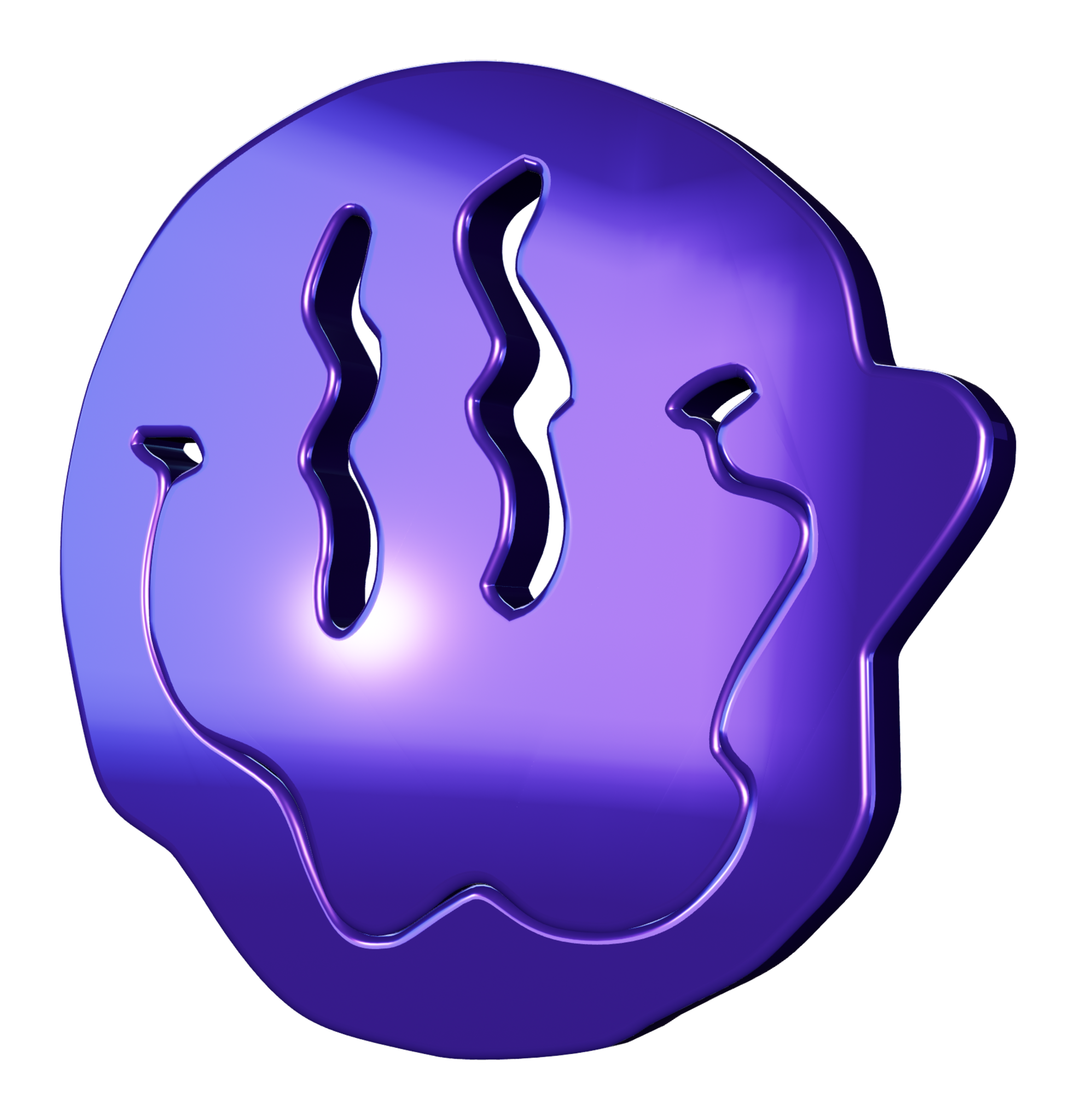
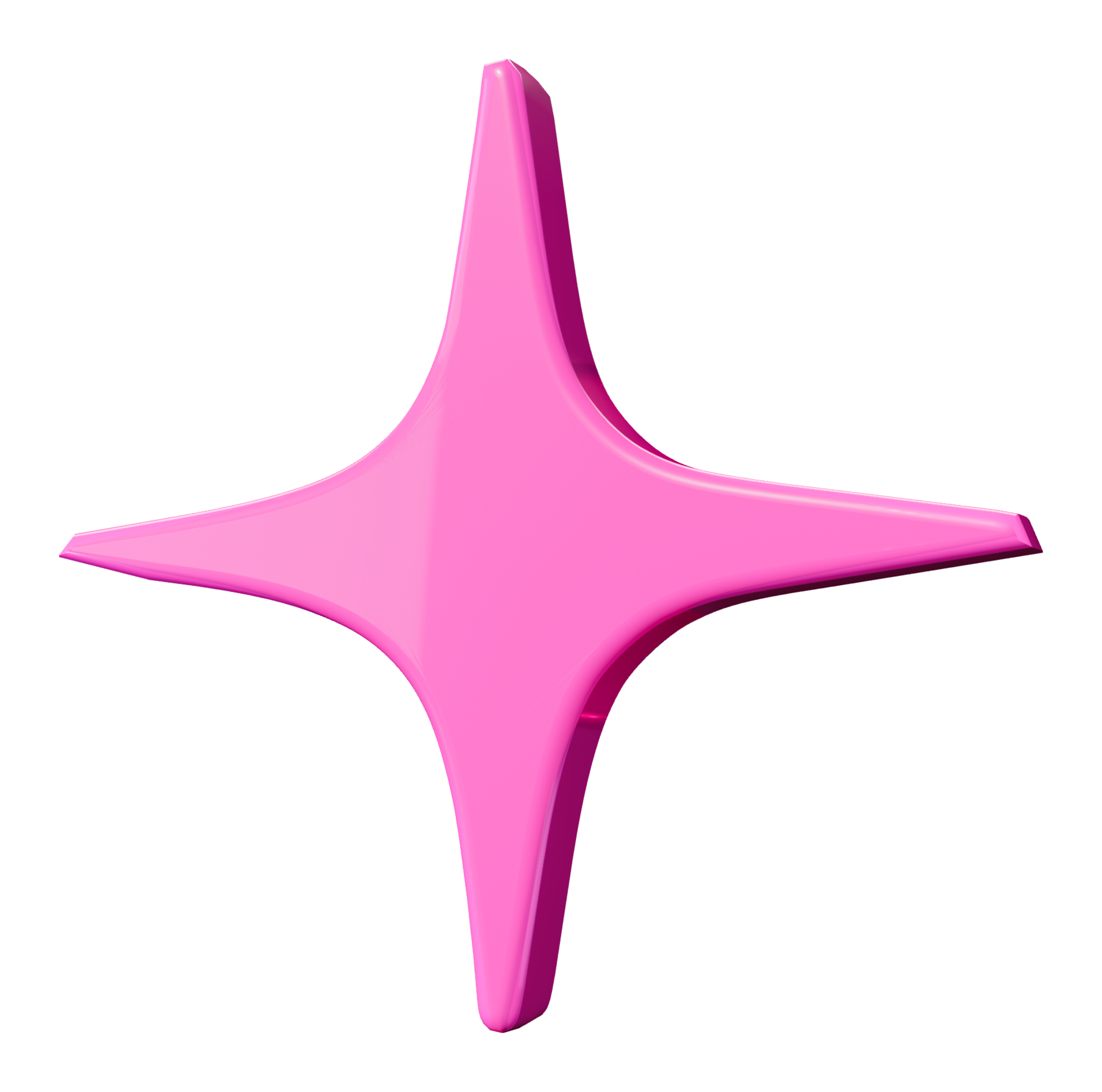
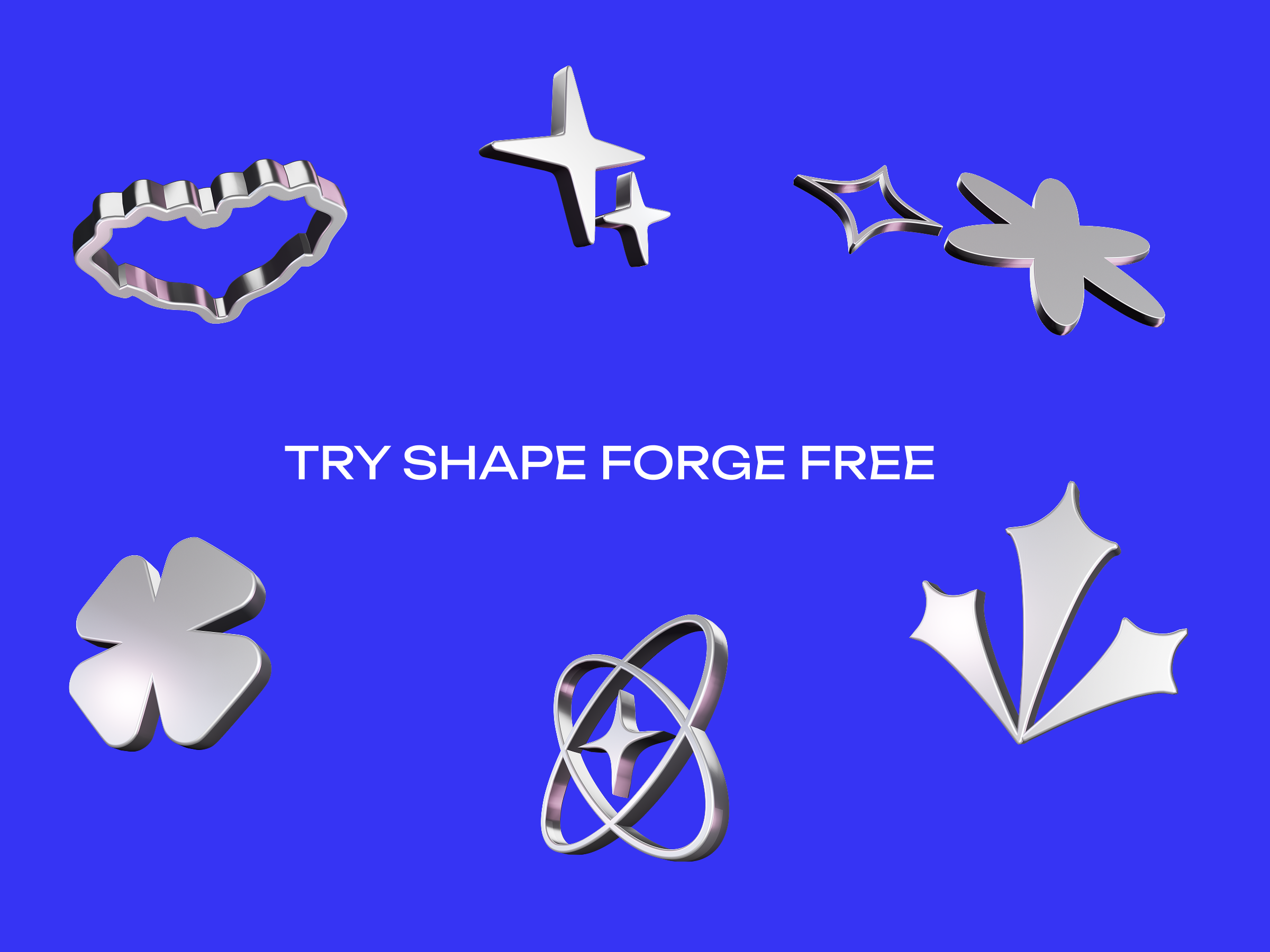
Purple chrome melting face rendered with Shape Forge Pink chrome spark rendered with Shape Forge
SELECTED ASSETMELT FACE / 03Chrome · 62px depth · local WebGL
SHAPES ✦ SVG ✦ 3D TEXT ✦ MATERIALS ✦ LIGHTING ✦ TRANSPARENT PNG ✦ SHAPES ✦ SVG ✦ 3D TEXT ✦ MATERIALS ✦ LIGHTING ✦ TRANSPARENT PNG ✦
THE PRODUCT / 2026

One shape.
Endless direction.

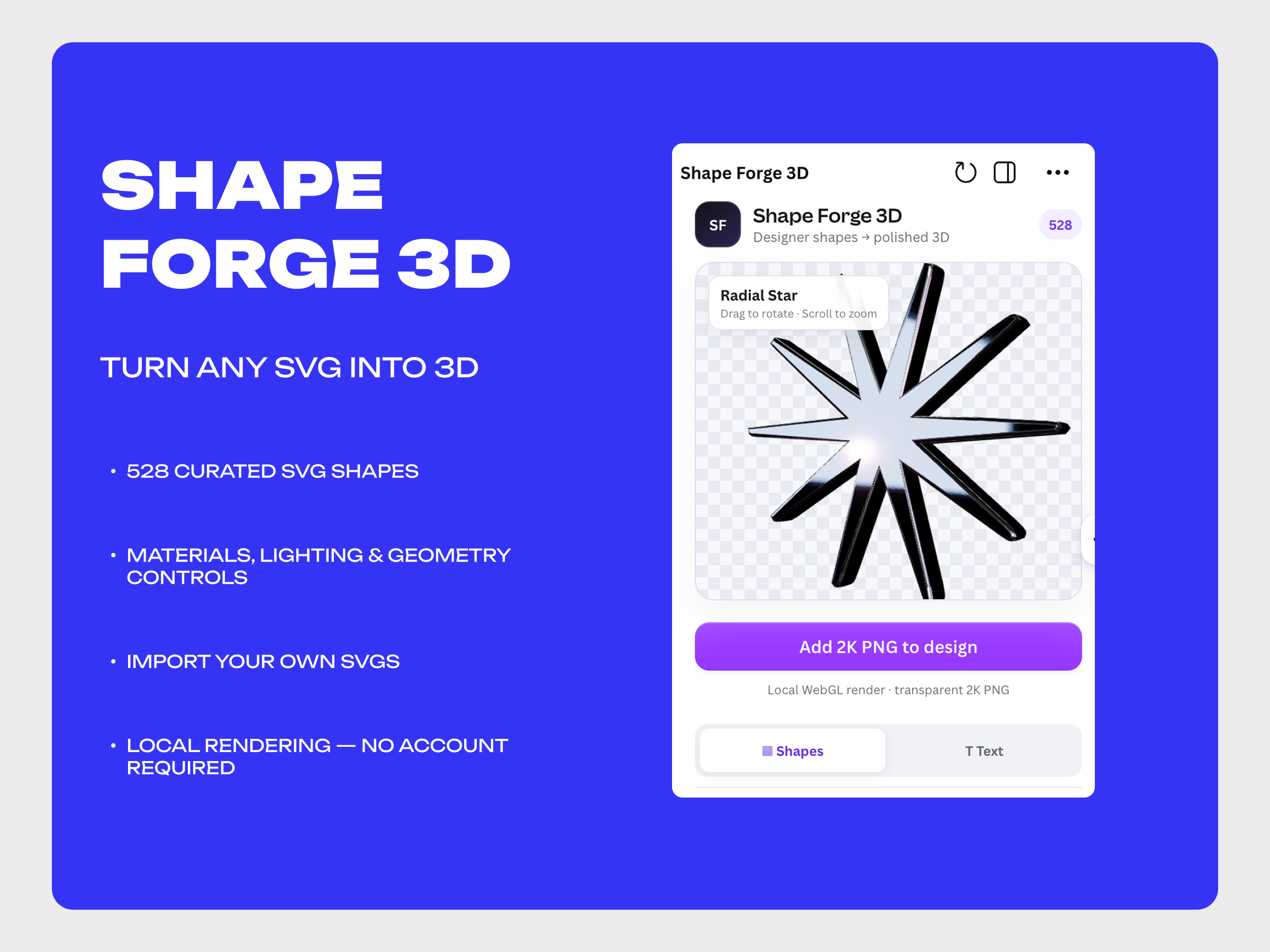
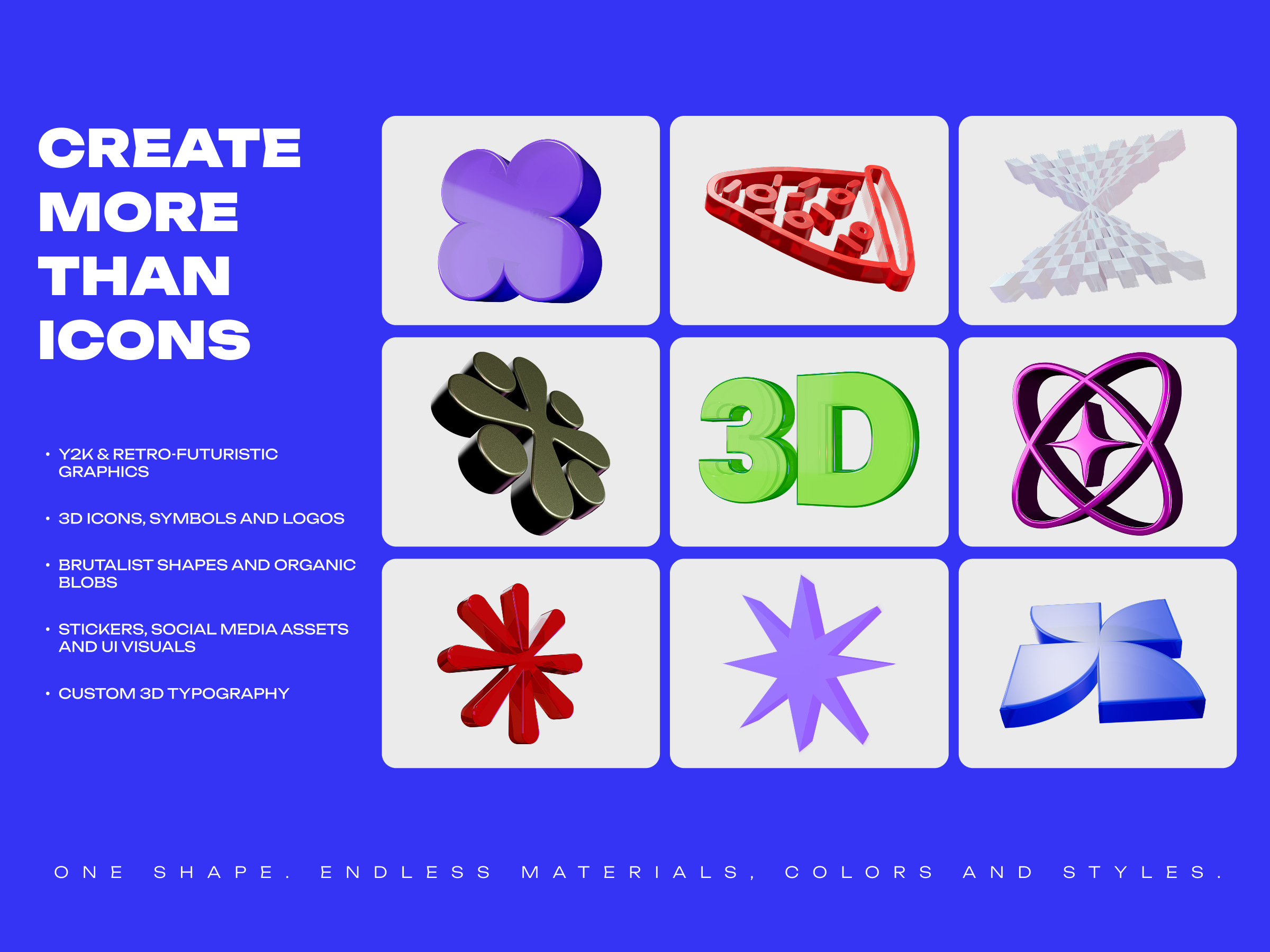
Shape Forge 3D running inside the Canva editor Examples of Y2K, retro-futuristic and typographic 3D graphics for Canva Chrome designer shapes created with Shape Forge for Canva
01 / NOT A TEMPLATE

Your visual.
Your depth.

Start from a curated shape, type your own word, or build with your own vector. Then art-direct the geometry, material and light.

01

Designer shape library

Y2K, brutalism, blobs, retro-futurism, symbols and polished essentials — ready to turn into real 3D.
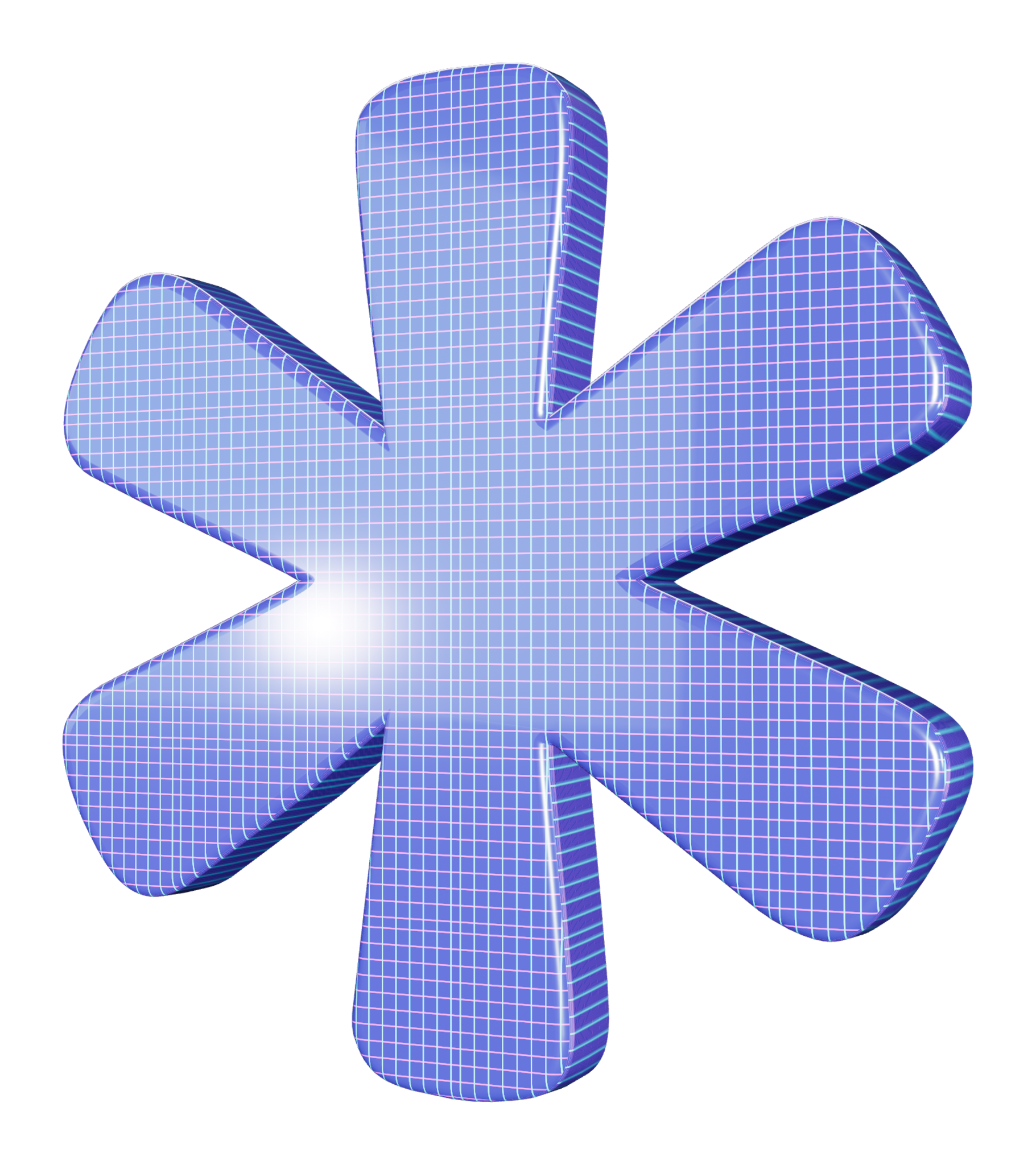
3D grid asterisk
02

Dimensional typography

Turn custom text into expressive 3D type with depth, bevel, roundness, material and light controls.

TYPE
++
03

20 material systems

Chrome, iridescence, glass, gummy, wood, clay and light effects — rendered locally as you work.
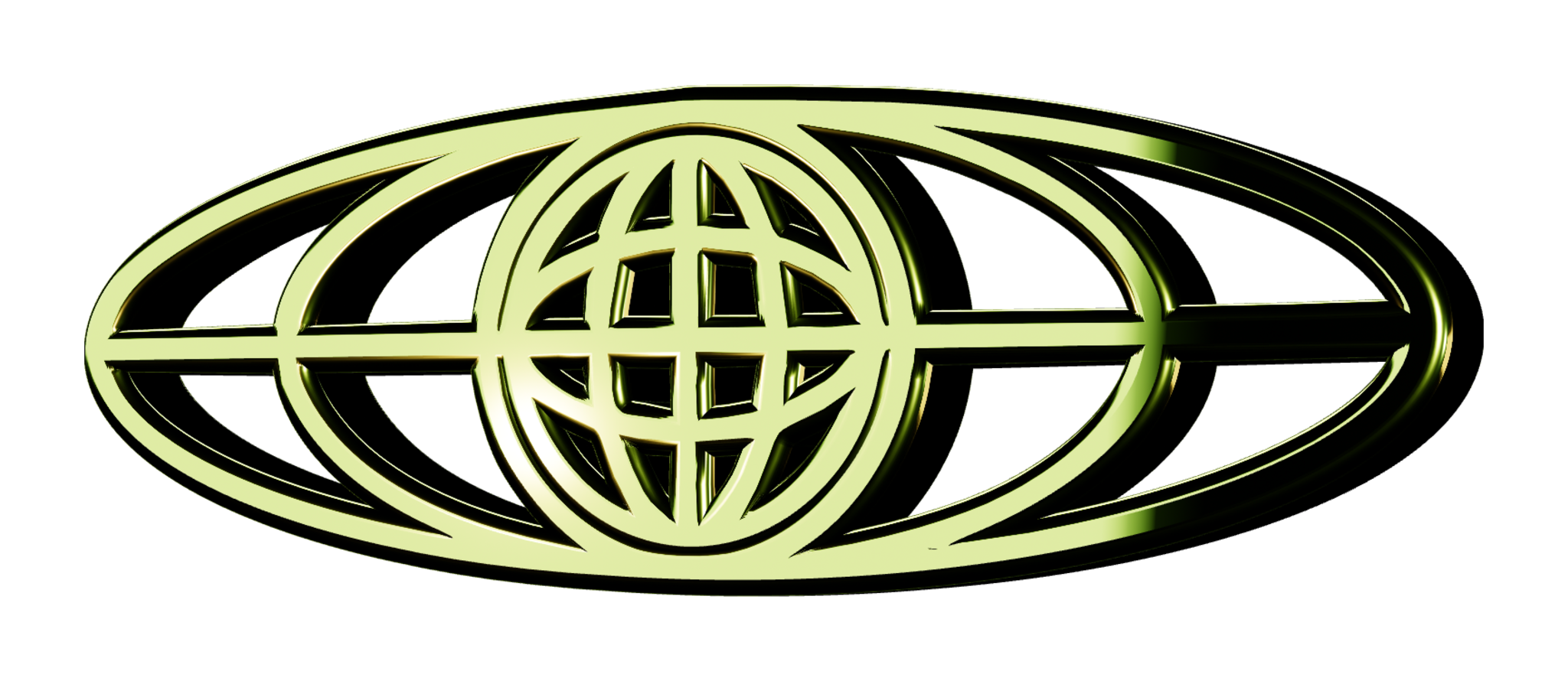
Lime 3D orbit lens
Pink 3D spark
02 / ZERO BLENDER REQUIRED

From flat to
finished.

  1. 01
    Choose the source

    Pick a shape, create 3D text or use a vector.

  2. 02
    Direct the look

    Tune geometry, material, lighting and camera.

  3. 03
    Add to the design

    Export a crisp transparent PNG directly into your canvas.

3D orbit
Built for Canva · Solo-made in Kyiv

Your next icon
doesn't need
a render team.

Shape it. Style it. Add it directly to your Canva design.

Discover Shape Forge 3D ↑